- 020 3778 0973
- 078 1790 1473
- info@thestanlee.com
- Mon - Fri: 09:30 - 17:30

Completing your Self Assessment tax return can seem daunting, especially if you are self-employed or have multiple income sources. However, understanding each stage of the process makes it much easier to manage. This step-by-step guide from Stan Lee Accountancy Ltd will help you navigate your Self Assessment tax return smoothly and avoid costly mistakes.
A Self Assessment tax return is a system used by HM Revenue and Customs (HMRC) to collect Income Tax from individuals whose income isn’t automatically taxed through PAYE. This includes:
If HMRC has asked you to complete a Self Assessment, or you meet the criteria, it’s your responsibility to file your return correctly and on time.
If you’re self-employed or need to complete a tax return for the first time, you must register with HMRC. You can do this online via the HMRC website.
Once registered, HMRC will send you:
Make sure you complete registration well before the deadline, as receiving your UTR can take up to 10 working days.
Before starting your tax return, collect all the necessary financial documents. These may include:
Records of savings interest, pensions, or capital gains
Organising these documents in advance will make the filing process much quicker and reduce the risk of errors.
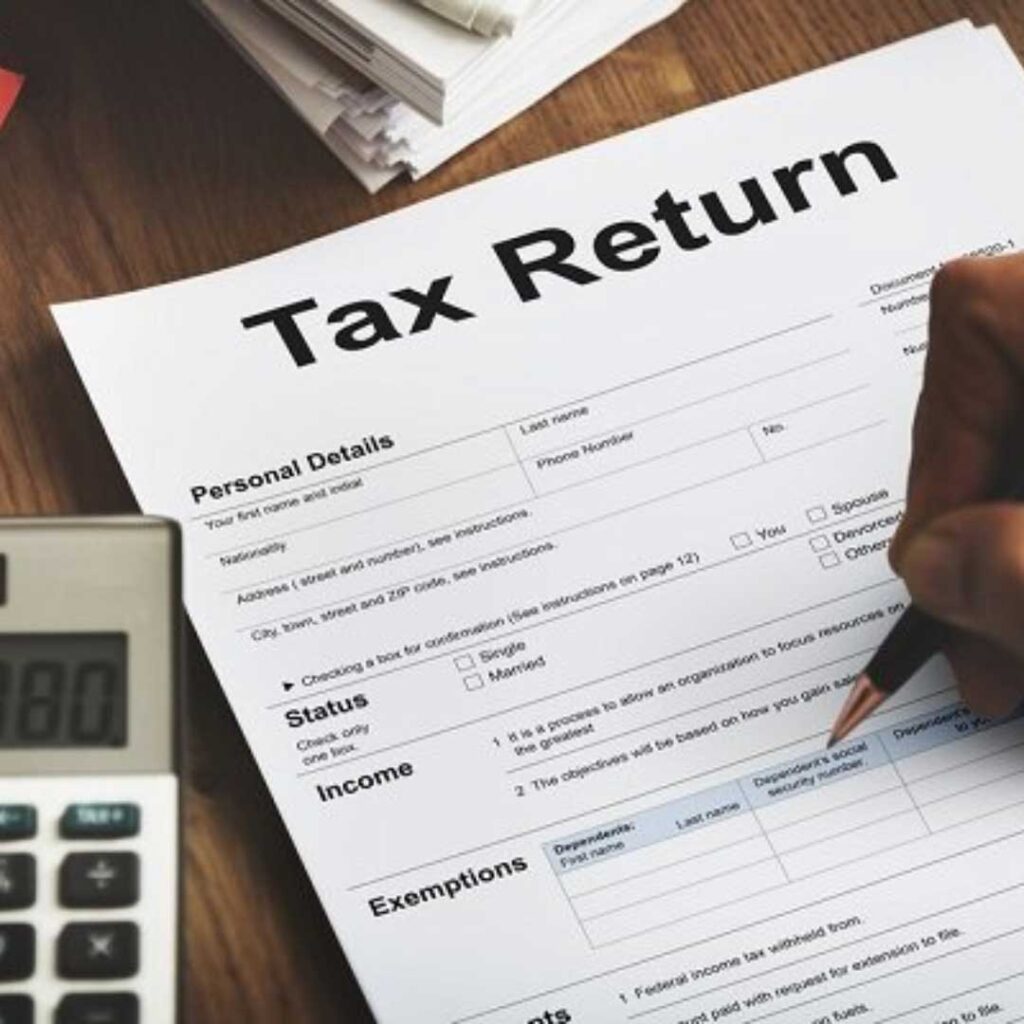
Once you have everything ready, log into your HMRC online account. Select the relevant tax year (for example, 6 April 2025 to 5 April 2026) and begin your return.
You’ll be guided through sections where you’ll need to:
Be sure to review each page carefully. Incomplete or inaccurate information can delay processing or trigger an HMRC enquiry.
If you’re self-employed, you can deduct allowable business expenses to reduce your taxable profit. Common examples include:
Claiming legitimate expenses ensures you only pay tax on your true profits. However, personal or non-business costs cannot be claimed.
Once you’ve filled in all relevant sections, review your entries thoroughly. HMRC’s online system will calculate your tax liability automatically based on the information you provide.
When you’re confident everything is correct, submit your return online. You’ll receive a confirmation message and reference number – keep this for your records.
After submitting your return, HMRC will confirm how much you owe. The payment deadline for online returns is 31 January following the end of the tax year.
If your tax bill exceeds £1,000, you may also need to make Payments on Account – advance payments towards the next year’s tax.
Payment can be made via:
Missing the payment deadline could result in interest and penalties, so it’s crucial to pay on time.
By law, you must keep your financial records for at least five years after the submission deadline. Proper record-keeping helps with future returns and protects you in case of an HMRC audit.
Completing your Self Assessment tax return can be time-consuming and stressful. At Stan Lee Accountancy Ltd, our specialist accountants make the process seamless. We handle everything – from registration and expense tracking to tax filing and compliance – ensuring your return is accurate and submitted on time.
With offices in London, United Kingdom, we offer personalised accounting services tailored to your needs.
| Cookie | Duration | Description |
|---|---|---|
| cookielawinfo-checkbox-analytics | 11 months | This cookie is set by GDPR Cookie Consent plugin. The cookie is used to store the user consent for the cookies in the category "Analytics". |
| cookielawinfo-checkbox-functional | 11 months | The cookie is set by GDPR cookie consent to record the user consent for the cookies in the category "Functional". |
| cookielawinfo-checkbox-necessary | 11 months | This cookie is set by GDPR Cookie Consent plugin. The cookies is used to store the user consent for the cookies in the category "Necessary". |
| cookielawinfo-checkbox-others | 11 months | This cookie is set by GDPR Cookie Consent plugin. The cookie is used to store the user consent for the cookies in the category "Other. |
| cookielawinfo-checkbox-performance | 11 months | This cookie is set by GDPR Cookie Consent plugin. The cookie is used to store the user consent for the cookies in the category "Performance". |
| viewed_cookie_policy | 11 months | The cookie is set by the GDPR Cookie Consent plugin and is used to store whether or not user has consented to the use of cookies. It does not store any personal data. |